Description:
In this project, I explored the full PBR material pipeline, beginning in Maya and continuing through Substance Painter and Unreal Engine. I created custom textures, utilized normal maps, and fine-tuned roughness and surface details to achieve realistic material responses. I also implemented dynamic tiling controls using Blueprints in Unreal Engine, allowing materials to be adjusted in real time. This workflow strengthened my understanding of real-time material systems, shader behavior, and efficient texturing pipelines for game environments.
Final Renders and Video explanation of work
Maya Pokémon Ball Model:
The Poké Ball model was created in Maya with approximately 1,700 triangles.
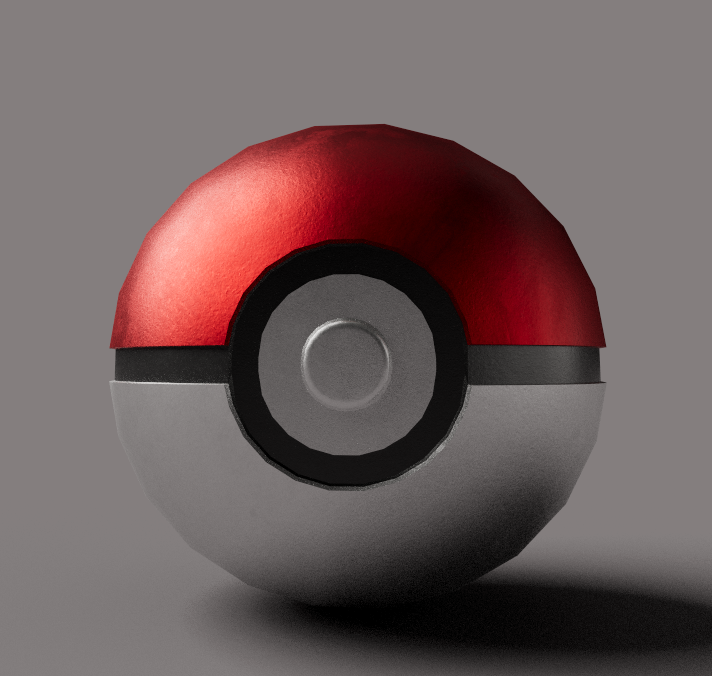
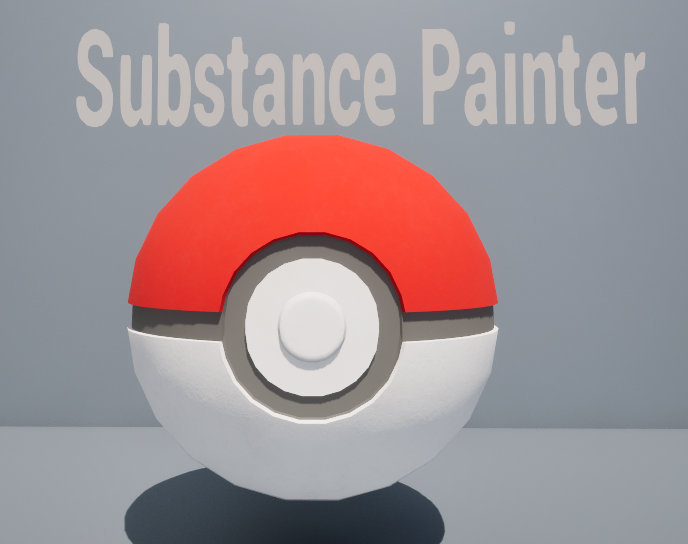
Substance Painter Render:
Materials were added in Substance Painter to enhance the visual appearance of the model.
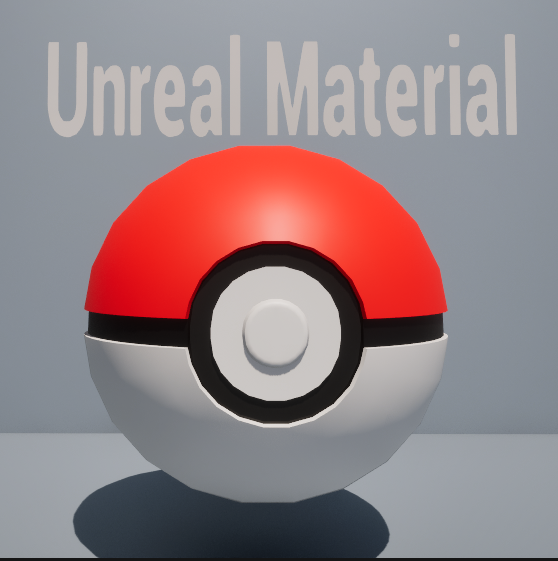
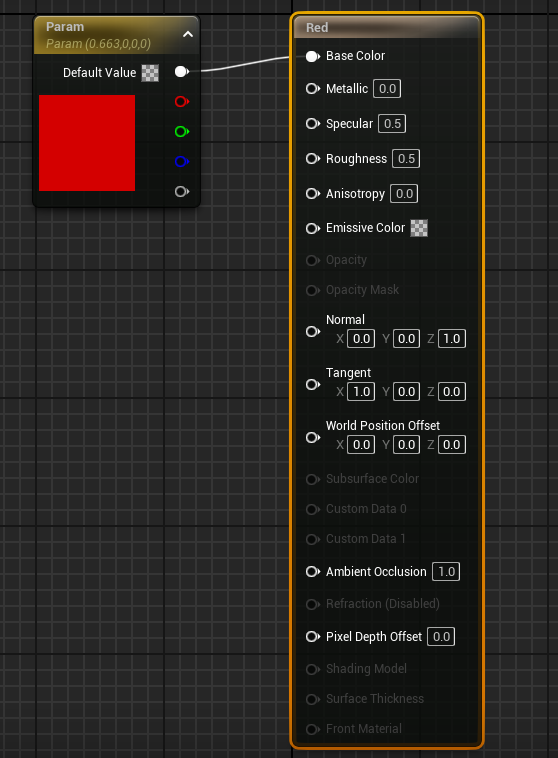
Simple Unreal Material:
A simple material was created using a Constant3Vector node to define the base color.
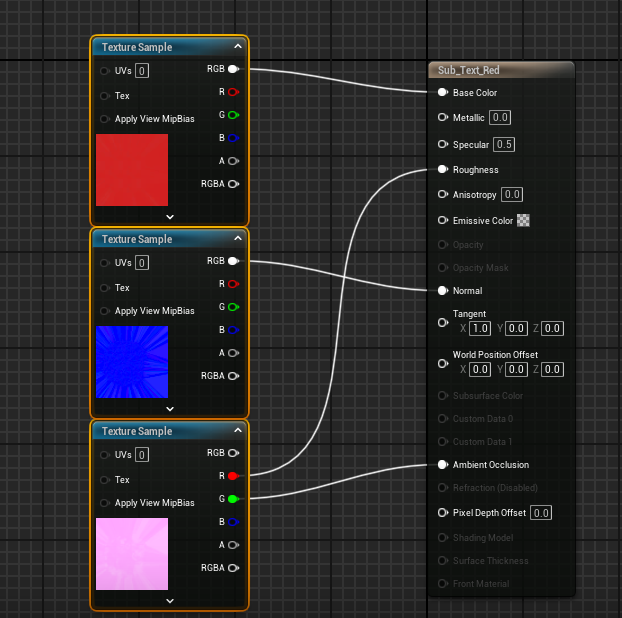
Substance Painter Textures Imported:
Substance Painter textures imported.
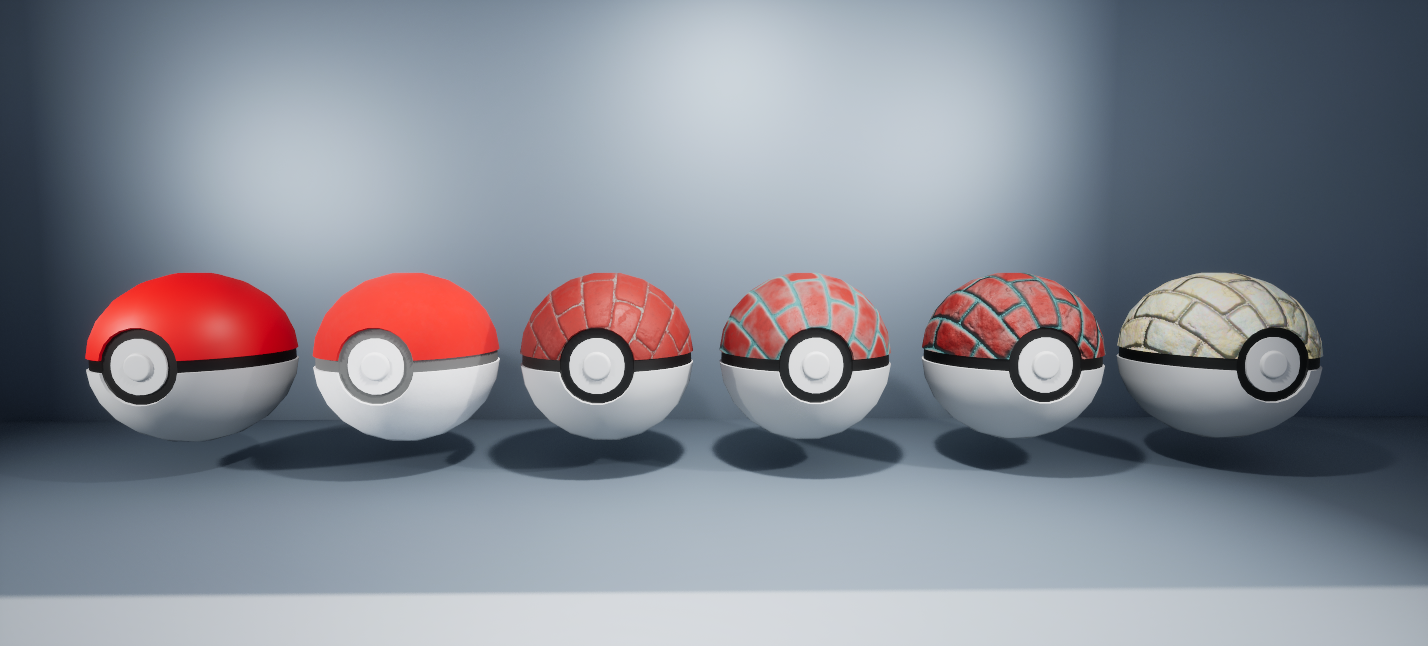
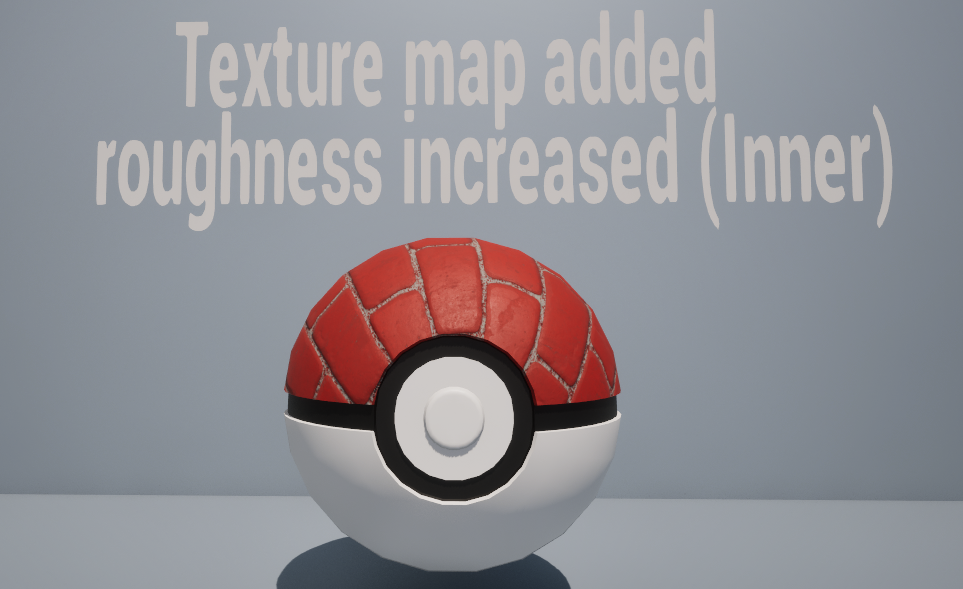
UE Starter Content Texture + Roughness Map Increased:
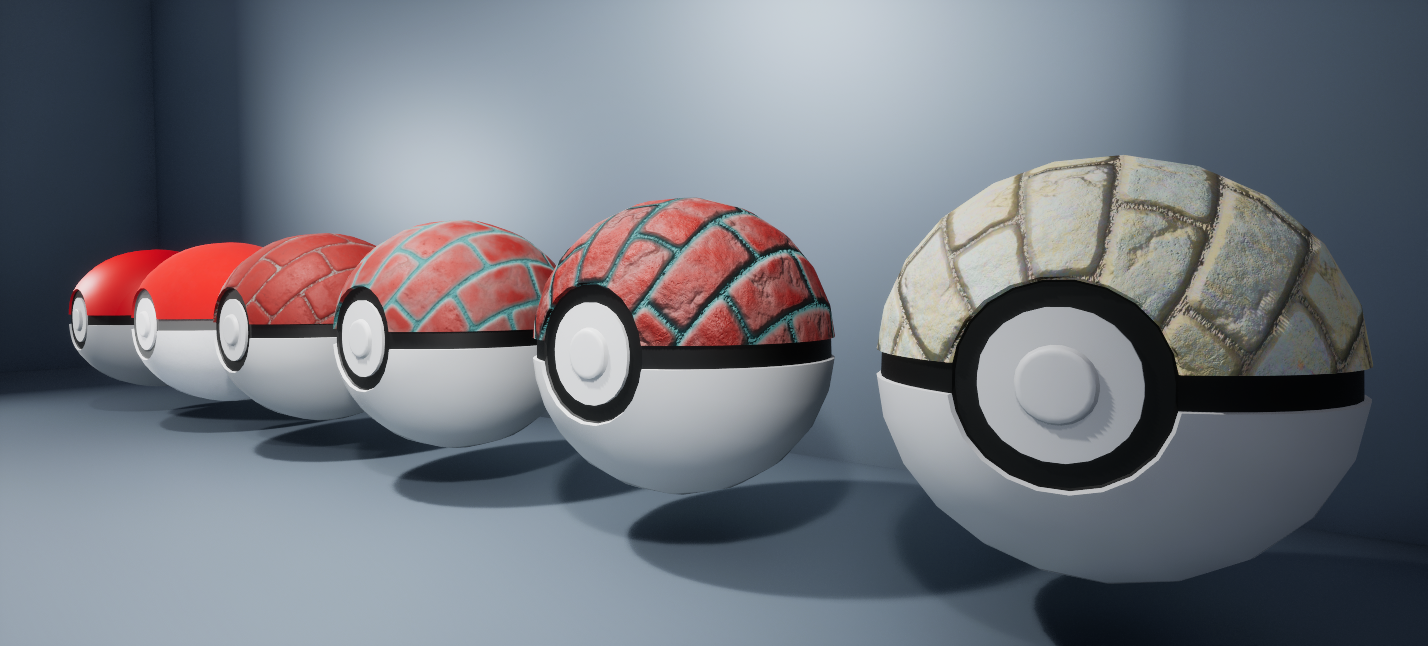
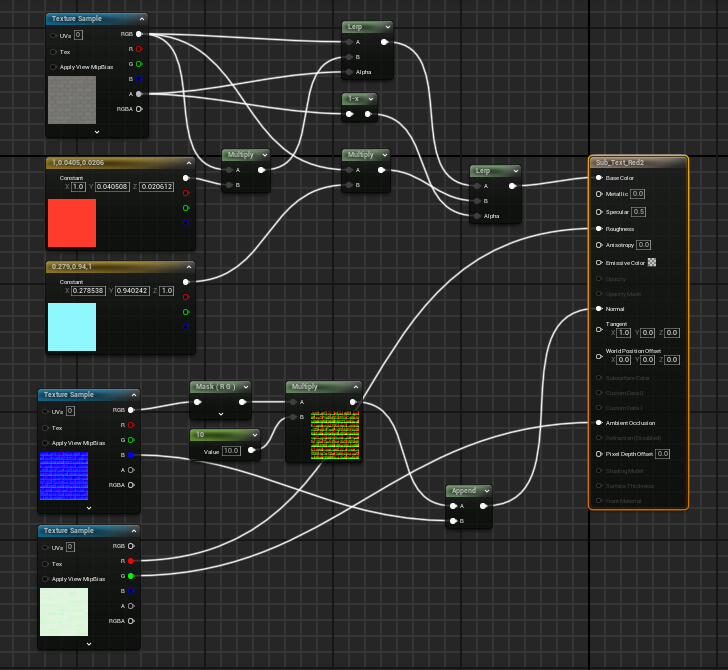
A brick texture from Unreal Engine Starter Content was applied and modified using a Lerp node for color blending and a One Minus node to increase roughness intensity in inner details.
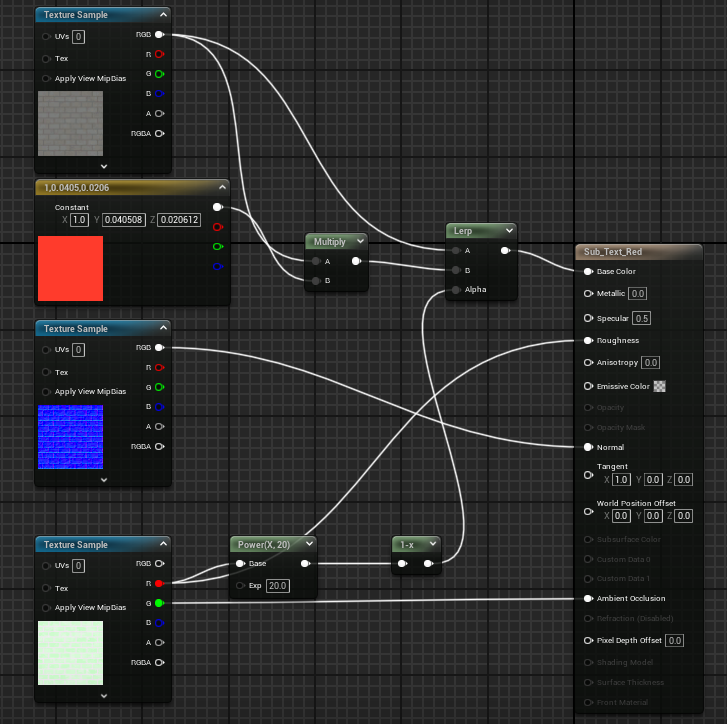
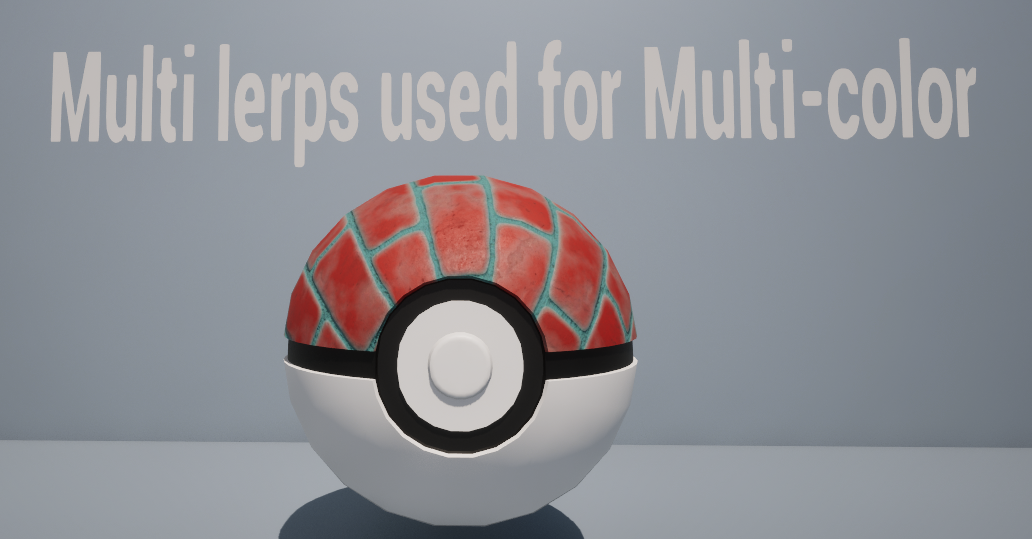
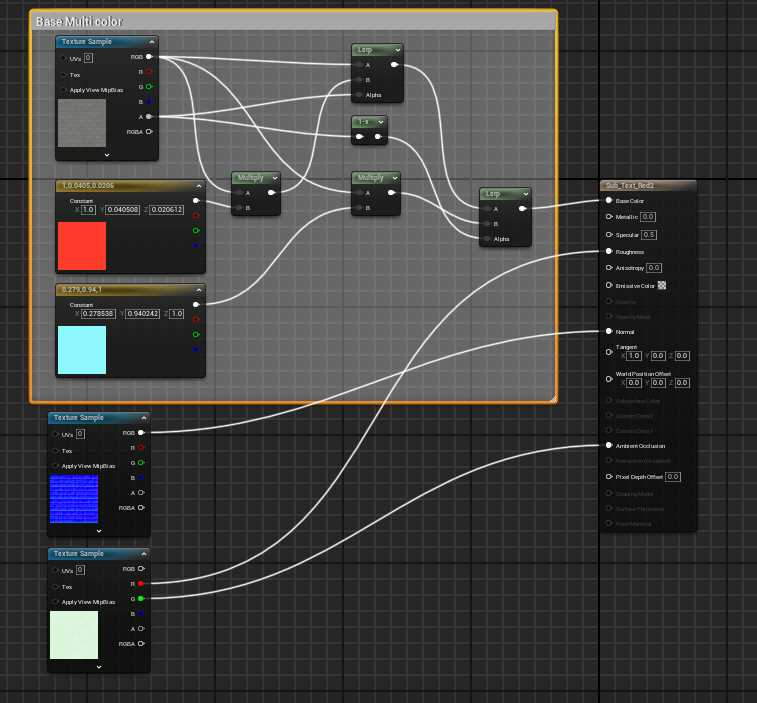
Multi Lerps Used for Multiple Colors:
Multiple Lerp nodes were used to blend and apply two different color variations to the brick texture.
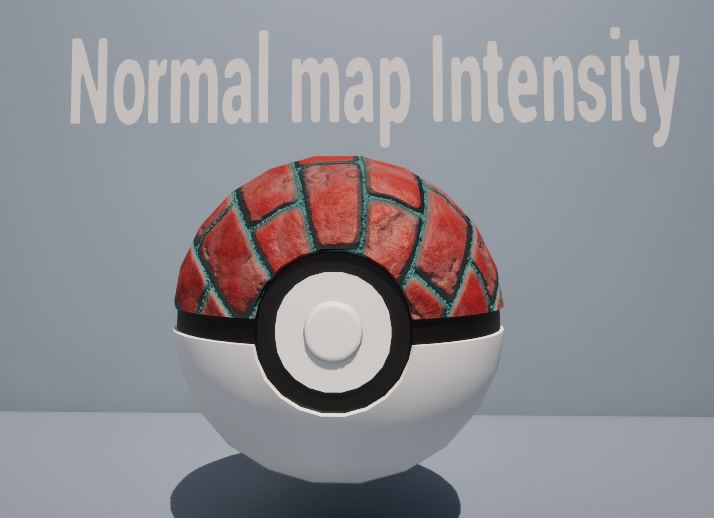
Normal Map Intensity Increased:
A Component Mask node was used to increase the intensity of the normal map.
Desaturation + Parameters:
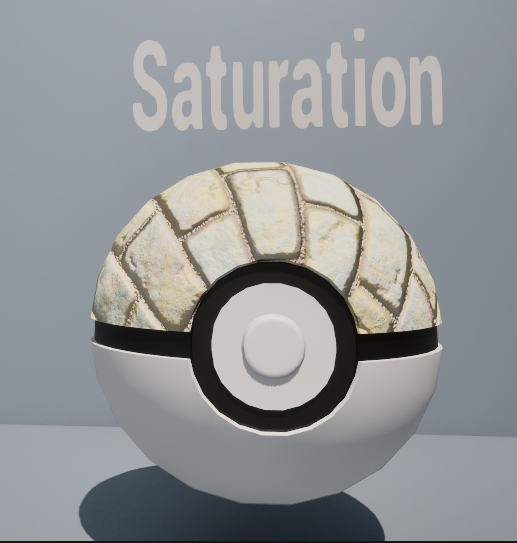
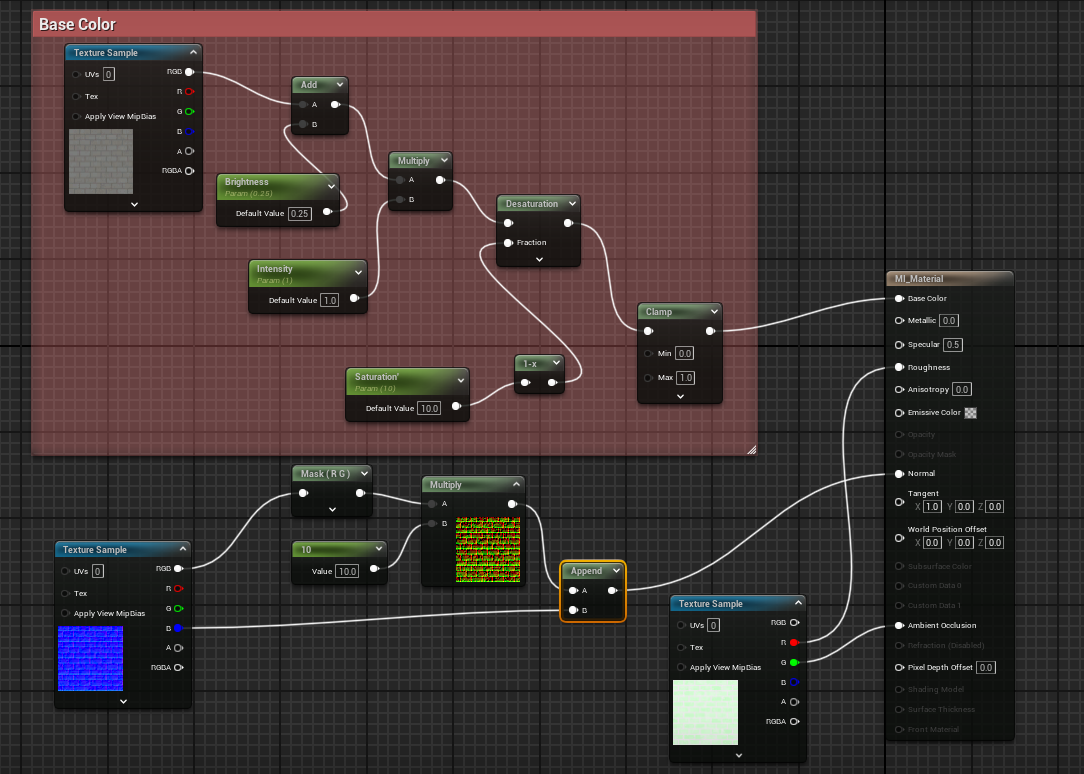
Desaturation was applied to adjust the brick color, and constants were converted into parameters to allow editing through material instances without affecting the master material.
Bonus Video
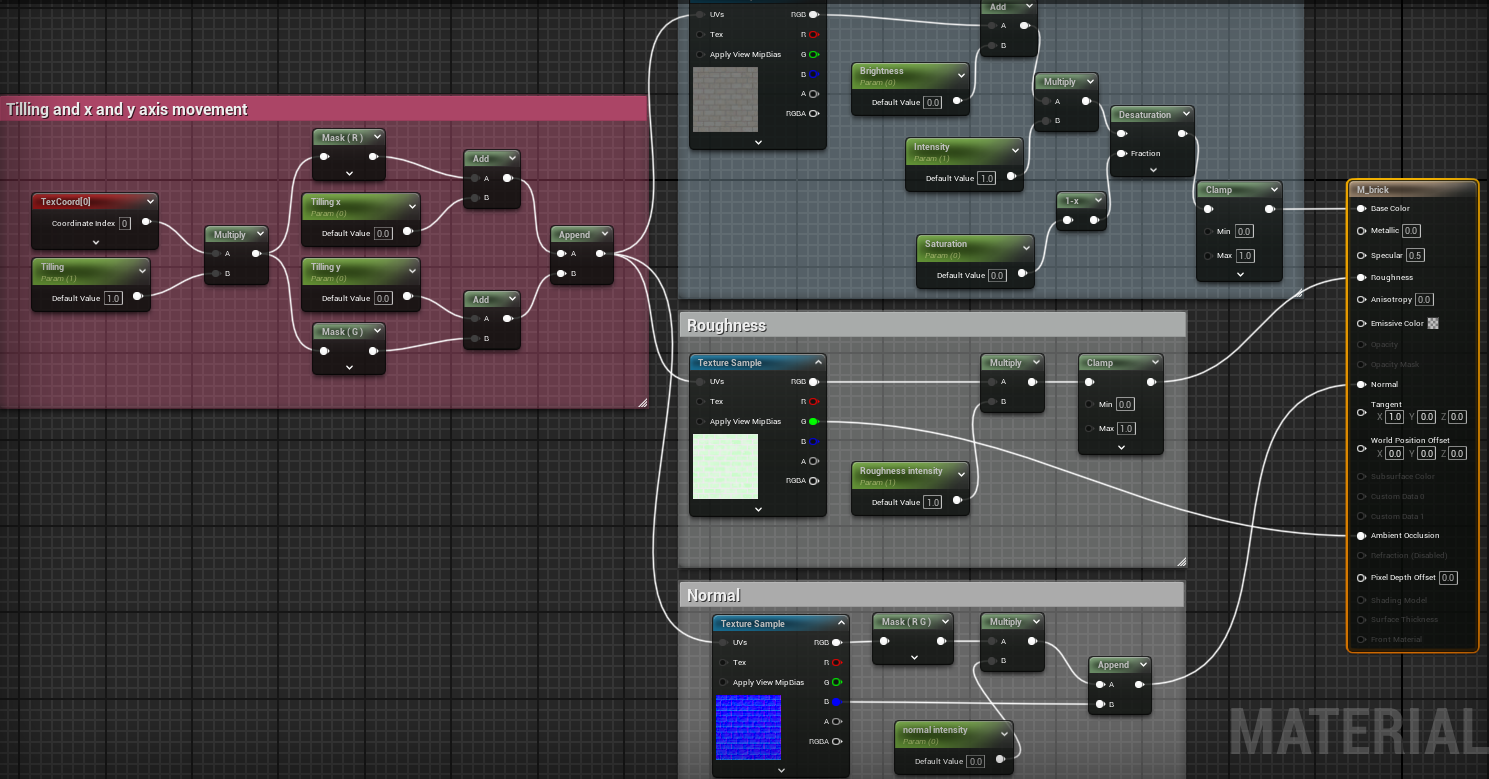
A material instance and Blueprint controls were created to allow developers to adjust texture tiling and offset in the X and Y directions without modifying the master material.
Software
Autodesk Maya, Substance Painter, Unreal Engine, Blueprint, Material Editor